Sensitivity Labels for Security Groups: Purview Classification Meets Entra Access

Security groups are easy to underestimate. They sit behind Conditional Access targeting, app assignments, resource permissions, and a lot of informal access patterns that teams build over time. Sensitivity labels for Microsoft Entra cloud security groups bring a clearer classification model to those authorization building blocks.
This capability is in Public Preview. Use it for testing and planning, especially because preview behavior has some important limitations.
What it is
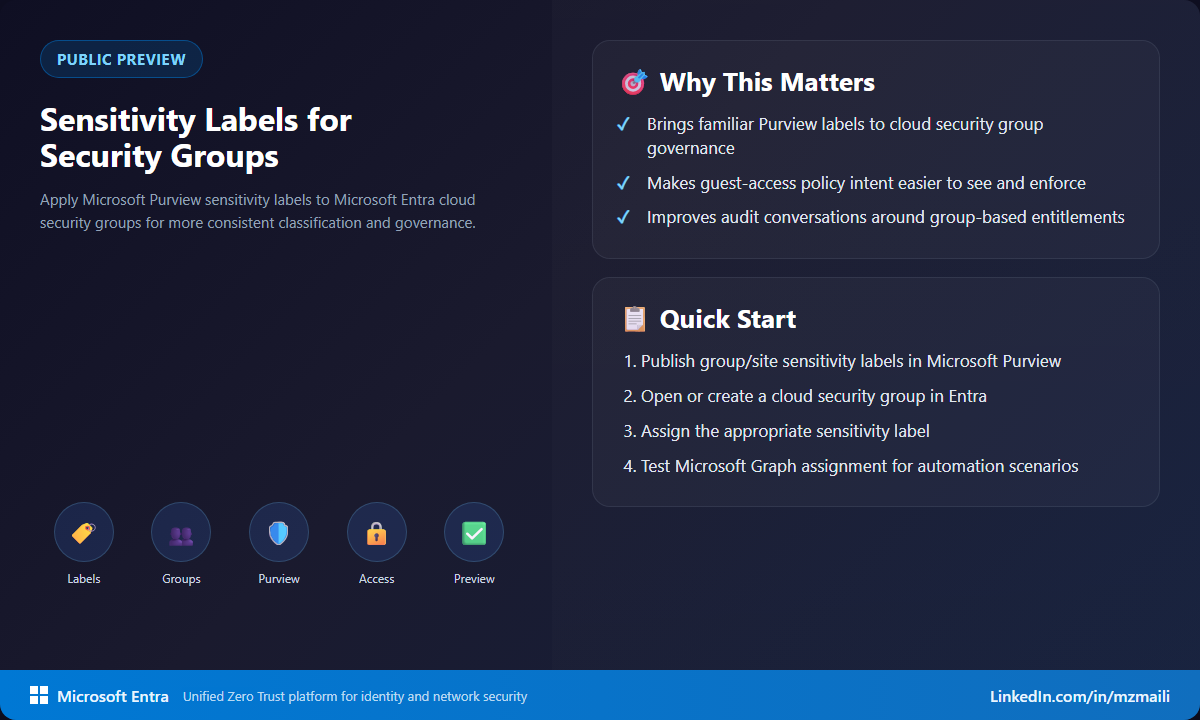
Microsoft Entra ID now supports applying Microsoft Purview sensitivity labels to cloud security groups. The labels you publish for groups and sites can be used with security groups, so admins and group owners can apply familiar classification language to groups that represent access.
That makes the intent easier to see. A group name might say Finance-App-Users, but a label can say whether guest membership is allowed and how restrictive the group should be. For security groups, that distinction matters because membership often becomes authorization.
There are preview-specific differences from Microsoft 365 group labeling. Labels are immutable after assignment in this release, and dynamic membership groups, synced on-premises groups, mail-enabled security groups, and distribution lists aren’t supported. Microsoft also documents high-privilege bypass behavior during preview, so test with the right expectations.
Why it matters
Access reviews often fail because reviewers lack context. They can see a group, but they can’t always tell whether that group is meant to contain guests, whether nesting is appropriate, or how sensitive the access really is. Labels help turn that tribal knowledge into visible policy intent.
This is especially useful for organizations that already use Microsoft Purview labels. Instead of inventing a parallel classification system for identity teams, you can align with language compliance and data governance teams already understand.
How to test it in preview
I’d start with a small set of cloud-only security groups and labels that have clear guest access meaning.
- Confirm your tenant has at least one active Microsoft Entra ID P1 or P2 license, or the qualifying Microsoft 365 licensing documented by Microsoft.
- In Microsoft Purview, publish sensitivity labels with the Groups and Sites scope enabled.
- Enable MIP labels for cloud security groups in the tenant directory settings (the
Group.Securitytemplate, withEnableMIPLabelsset toTrue) and synchronize labels to Microsoft Entra ID withExecute-AzureADLabelSync. Label availability can take up to 24 hours after sync. - In the Microsoft Entra admin center, Azure portal, Microsoft Graph, or PowerShell, create or select a supported cloud security group.
- Apply the label and test membership changes, including guest membership and nested group behavior where appropriate.
Pay attention to immutability. In preview, choosing the wrong label isn’t a minor edit; you can’t change or remove it after assignment. That means your pilot should use disposable groups or groups where the classification is already obvious.
What to watch during the pilot
The first thing to validate is enforcement, not the label picker. Test what happens when a guest is added directly, when membership comes through a nested group, and when a privileged admin or application adds members. Also record how your reviewers interpret the label during access reviews. If the label helps people make a faster and more consistent decision, it is doing real governance work instead of becoming decorative metadata.
Bottom line
Labels make policy intent visible. For security groups, that visibility is valuable because access is often only one membership change away. Test the preview with a narrow set of groups, validate the limitations, and decide how labels could support cleaner reviews and safer guest access decisions.
For more information, visit Assign sensitivity labels to Microsoft Entra security groups and Enable sensitivity labels for containers and synchronize labels.