
Redesigned My Account Pages: Easier Self-Service in Microsoft Entra
Self-service account management sounds mundane until the helpdesk queue fills with device questions, security info changes, BitLocker recovery key requests, and users trying to leave an old organization. Then the portal experience becomes part of your security operations model.
Microsoft is making redesigned My Account pages generally available for Microsoft Entra ID customers. The updated experience covers Devices, Personal Info, and Organizations in the My Account portal, with clearer paths for common user tasks and no admin action required.
What it is
The My Account portal at myaccount.microsoft.com is where users manage parts of their work or school account experience. The modernized pages focus on tasks that create friction when they are hard to find: reviewing registered devices, accessing device details, managing security information, updating personal profile settings, and understanding organization relationships.
The redesigned Devices page uses a modernized layout to make registered devices easier to view and manage. Microsoft’s announcement also calls out BitLocker recovery keys being surfaced more prominently, which is a very practical improvement. When users can retrieve the key through an approved self-service path, IT can reduce a class of high-friction support calls.
The Personal Info page centralizes profile information with language and region settings. The Organizations page gets a modernized experience and addresses a long-running issue where users were unable to successfully leave an organization.
Why it matters
Not every identity improvement needs a new policy engine. Sometimes the secure path just needs to be easier to find.
For admins, better self-service reduces repetitive tickets. For users, it reduces confusion at the exact moment they’re trying to solve a device, security, or account problem. For security teams, a clearer portal helps steer users toward supported account management paths instead of shadow processes, old bookmarks, or “call someone in IT” habits.
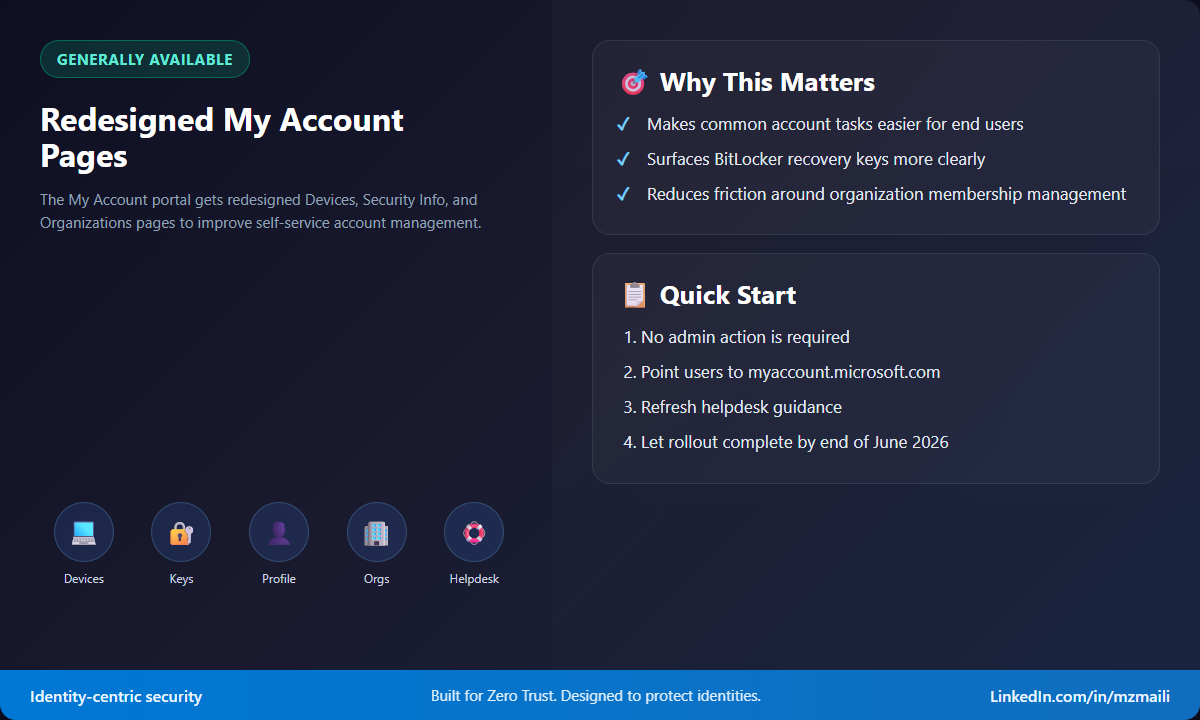
The BitLocker recovery key example is a good one. Recovery situations are stressful, and users often need to move quickly. If the approved portal makes the key easier to locate, you reduce both downtime and the temptation to bypass process.
How to use it
There is no tenant switch to flip. Microsoft says the modernized pages will be generally available to all Microsoft Entra ID customers by the end of June 2026, and users will see the updated experience automatically.
That does not mean admins should ignore it. I’d treat this as a communications and support-readiness item.
First, update helpdesk scripts and internal knowledge base articles that reference the old My Account pages. Make sure support teams point users to myaccount.microsoft.com for device review, security information, personal info, and organization tasks.
Second, review any screenshots in onboarding guides, device recovery instructions, and security info registration docs. Stale screenshots create unnecessary tickets because users assume they are in the wrong place.
Third, test the experience with a standard user account, not just an admin account. Walk through device viewing, security info navigation, profile settings, language and region changes, and organization management. If your organization has specific restrictions or support processes around any of these tasks, document what users should expect.
Finally, consider a short internal announcement. You don’t need a campaign, but users should know where to go before they’re locked out, recovering a device, or trying to clean up old organization access.
Bottom line
The redesigned My Account pages are a user-experience change with operational impact. Cleaner self-service means fewer avoidable tickets, faster recovery moments, and a better chance that users follow the supported identity path.
For more information, see Microsoft Entra releases and announcements.



