
Device soft delete in Microsoft Entra ID
Device cleanup always carries a little tension. Delete the wrong object and you might lose more than a stale record; you can lose recovery data and create extra work for endpoint teams. Device soft delete adds a safer recovery model for Microsoft Entra device objects.
This feature is in Public Preview, so use it to validate your operational process before you depend on it for production recovery.
What it is
Device soft delete moves deleted Microsoft Entra device objects into a suspended, recoverable state instead of hard deleting them immediately. During the preview, supported Microsoft Entra joined, hybrid joined, and Microsoft Entra registered devices can remain recoverable for up to 30 days.
While a device is soft deleted, it is removed from active device lists and can’t authenticate to cloud resources protected by Microsoft Entra ID. Microsoft Entra preserves important device data in the soft-deleted container, including BitLocker recovery keys, LAPS passwords, device identity, and key material. After 30 days, or after an explicit permanent delete, the device is hard deleted.
Devices without a recognized trust type (for example, objects created directly via Microsoft Graph) and certain specialty device types — secure VMs with managed identities, non-persistent VDI instances, and printers — aren’t supported in preview and are hard deleted immediately.
Why it matters
The value is simple: accidental deletion becomes recoverable. That matters for portal mistakes, cleanup scripts, and sync scope changes that remove more devices than intended. It also matters because device objects often carry security artifacts that are painful or impossible to recover after a hard delete.
There is a useful governance angle too. Soft-deleted devices still count toward directory object quota, though Microsoft documents tombstone objects as counting less than active objects. That means cleanup still matters, but admins get an undo window.
How to test it in preview
Use test devices first and involve both identity and endpoint administrators.
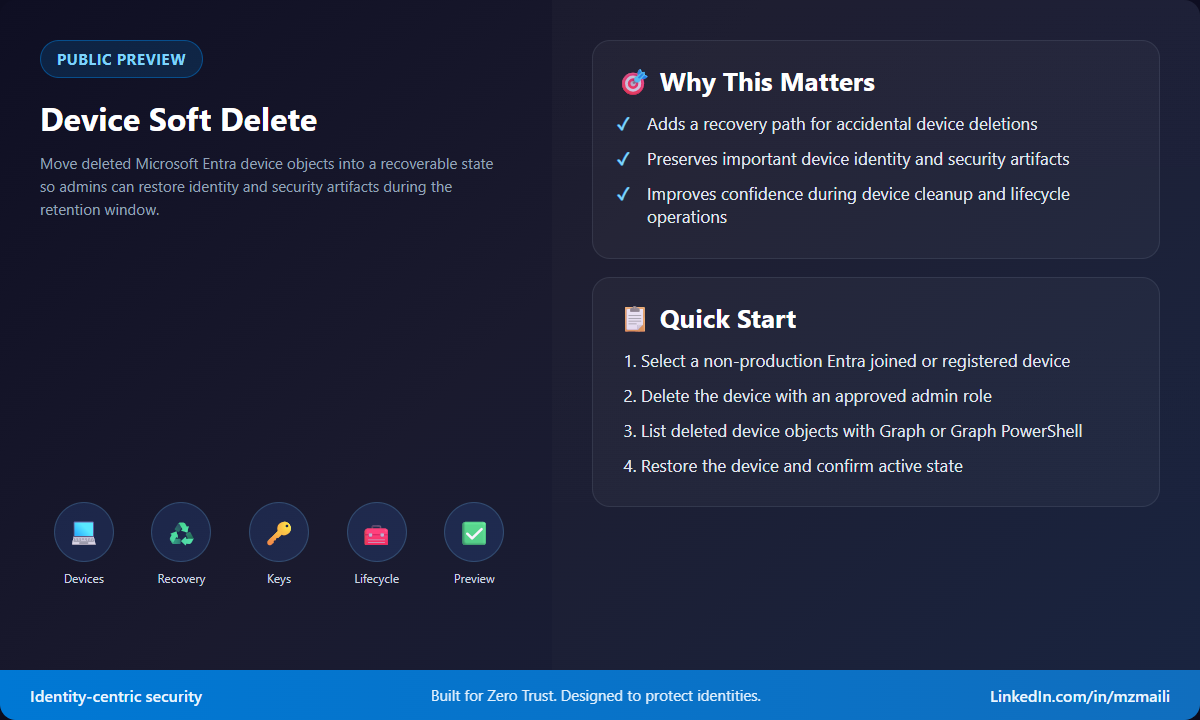
- Pick a Microsoft Entra joined or Microsoft Entra registered test device.
- Delete the device using an approved role. Cloud Device Administrators, Intune Administrators, and Global Administrators can soft delete, restore, and permanently delete devices; device owners can delete their own device but can’t restore it.
- Query deleted device objects with Microsoft Graph beta deleted items endpoints or Microsoft Graph PowerShell.
- Restore the device and confirm it returns to the active directory container.
- Validate the operational after-effects: the device might need sign-in or reboot, and compliance remains false until the device checks in with its management authority and completes a fresh compliance evaluation.
During preview, Microsoft documents restore through Microsoft Graph API or PowerShell. A portal experience for viewing and restoring soft-deleted devices is planned for general availability, so build your pilot process around the available tools.
What to watch during the pilot
Measure the full recovery path, not just the restore command. Confirm who can find the soft-deleted object, who can restore it, how long the restored device takes to appear in operational tools, and what endpoint action is needed afterward. I would also test a near-miss scenario with a cleanup script in a lab tenant, because automation is where accidental deletions usually become painful at scale.
Bottom line
Device soft delete is a practical safety net. It doesn’t replace disciplined device lifecycle management, and it doesn’t make hard delete safe. But it gives admins a recoverable path when cleanup goes sideways. Test it with real endpoint workflows now, especially if your organization relies on BitLocker recovery keys or LAPS data tied to device objects.
For more information, visit Device soft delete in Microsoft Entra ID.



