
Domainless SAML federation
Partner federation is rarely as tidy as the architecture diagram. One company might use a shared identity provider, another might route authentication through a parent organization, and the email domain you see on the invitation might not match the IdP endpoint that actually owns sign-in. Domainless SAML federation gives Microsoft Entra External ID a more flexible way to handle those cases.
This capability is in Public Preview, so treat it as something to test with a controlled partner scenario before you make it a broad onboarding pattern.
What it is
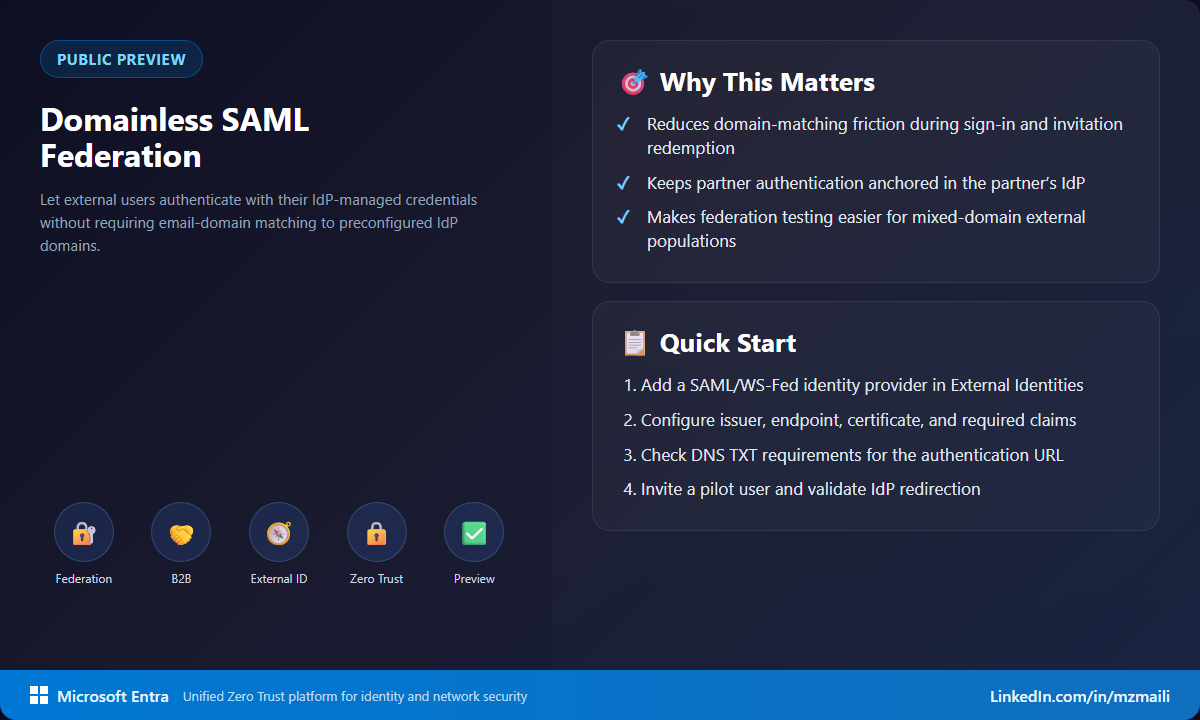
Domainless SAML/WS-Fed federation lets external users authenticate with credentials managed by their own identity provider, even when their email domain isn’t pre-matched to an IdP domain in your tenant. The user can redeem an invitation or sign in to an app or resource, get redirected to the external IdP, and return to Microsoft Entra after successful authentication.
The important shift is practical: federation can follow the partner’s authentication reality, not only the visible email suffix. That matters when partners have acquisitions, shared services, subsidiaries, or identity platforms that don’t map one-to-one with mail domains.
Why it matters
Without this flexibility, admins often spend too much time on domain plumbing before a partner can get to the app they actually need. That can lead to awkward workarounds: extra accounts, manual exception handling, or invitation flows that create confusion for the guest user.
With domainless federation, you can keep the user anchored to the partner’s own IdP-managed account while reducing the dependency on a perfect domain match. You still need to configure the federation correctly, validate claims, and work with the partner on DNS requirements where needed. But the design gives you a cleaner path for B2B access when identity ownership is more complicated than the email address suggests.
How to test it in preview
Start small. Pick one partner, one app, and a test user that can validate the full redemption and sign-in path.
- In the Microsoft Entra admin center, go to External Identities and add a SAML/WS-Fed identity provider.
- Review whether the partner’s passive authentication endpoint requires a DNS TXT record because the authentication URL doesn’t match the target domain.
- Configure the IdP issuer, passive authentication endpoint, certificate, and required claims. For SAML, make sure the response includes the required email claim and persistent NameID format.
- Ask the partner to configure the relying party trust or equivalent configuration on their IdP.
- Invite a test user and confirm the redemption or sign-in flow redirects to the external IdP and returns to Microsoft Entra.
Because this is preview, I wouldn’t start with a high-risk production app. Use a noncritical access path, document each assumption, and make sure the partner can support claim troubleshooting quickly.
What to watch during the pilot
The pilot should prove more than a successful redirect. Capture the issuer value, the passive authentication endpoint, the claims released by the partner, and the exact user experience during invitation redemption. If DNS TXT validation is needed, document who owns the partner-side change and how long it takes to propagate. Those details become your repeatable checklist for the next partner, and they help support teams troubleshoot without guessing.
Bottom line
This is one of those features that removes a small but persistent source of identity friction. If your B2B federation designs have been blocked by domain-to-IdP mismatch, this preview is worth testing now. Keep the pilot narrow, validate the claims and DNS path, and use what you learn to standardize partner onboarding later.
For more information, visit Add a SAML/WS-Fed identity provider.



