
Govern Azure roles with access packages
Azure RBAC access needs process. Who requested Contributor? Who approved it? When does it expire? Those questions get harder as subscriptions, resource groups, and management groups multiply across an estate.
Microsoft Entra ID Governance now has a Public Preview that lets teams manage Azure RBAC role assignments through Entitlement Management access packages. Test it carefully, because it changes how platform access can be requested and governed.
What it is
Entitlement Management can assign Azure RBAC roles through access packages and catalogs. Administrators can add Azure resources at Management Group, Subscription, or Resource Group scope, then configure an access package so approved users receive an Azure role assignment automatically.
The feature supports both active and eligible role types. Active assignments grant the role directly. Eligible assignments require activation through Privileged Identity Management when access is needed, which is usually the better pattern for high-impact roles.
Microsoft documentation also notes support for built-in and custom Azure roles, and for employees and guests. That makes this useful for internal platform teams and controlled partner access.
Why it matters
Most organizations already have some kind of process for Azure access. The problem is that process is often split across tickets, spreadsheets, scripts, PIM assignments, and periodic reviews. Access packages bring the request, approval, assignment, expiration, and review model closer to the resource access itself.
That helps with least privilege. Instead of granting standing access because the approval process is too slow, teams can make role access requestable and time-bound. It also gives identity governance teams a clearer view of a person’s entitlements, including Azure roles assigned through packages.
How to test it in preview
Start with a low-risk subscription or resource group and a role that has clear business ownership.
- Confirm licensing for Microsoft Entra ID Governance or Microsoft Entra Suite.
- Make sure the administrator onboarding the Azure resource has Azure RBAC permissions to read, write, and delete role assignments at the selected Management Group or Subscription scope.
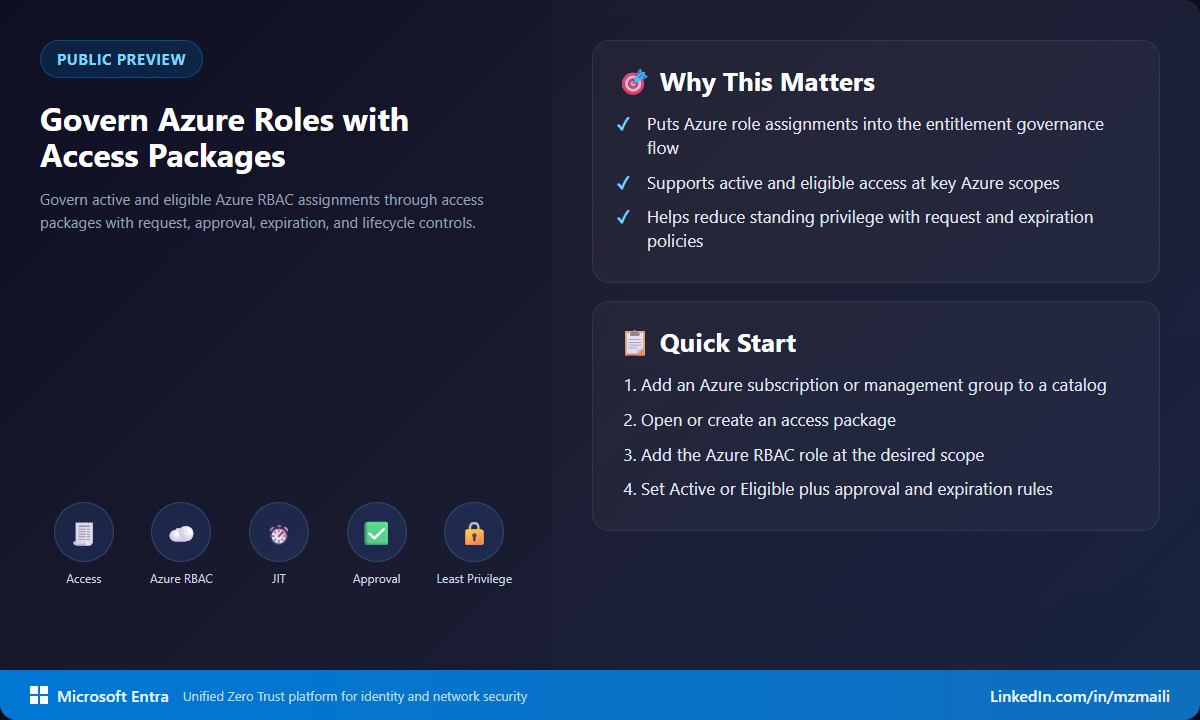
- In the Microsoft Entra admin center, go to ID Governance > Catalogs and open the target catalog.
- Add Azure Resources (Preview) to the catalog and select the Management Group or Subscription.
- Open or create an access package, add the Azure resource, choose the scope, select Active or Eligible, and pick the Azure RBAC role.
- Configure request, approval, assignment duration, and review policy, then test with a pilot user.
Pay attention to ownership. The cleanest pilots have a catalog owner, an Azure resource owner, and a reviewer who all agree on what access means and when it should expire.
What to watch during the pilot
The most important design choice is not the portal flow; it is the access model. Decide which Azure roles are safe to request, which should only be eligible, and which should stay outside access packages entirely. Then test expiration and removal as carefully as assignment. A governance process that grants access cleanly but fails to remove it on time just moves the risk to a different place.
Bottom line
This is a strong governance pattern for Azure privilege. It doesn’t remove the need for good role design, and it doesn’t make every role safe to request. But it brings Azure RBAC into a lifecycle model many identity teams already understand. Preview is the right time to test eligible assignments and decide where access packages can replace ad hoc access processes.
For more information, visit Assign Azure Role-based access control roles in Entitlement Management.



