
Passkey adoption with registration campaigns: Turn passwordless intent into registrations
Passkeys are one of the better answers we have for phishing-resistant sign-in, but the rollout problem is real. A method can be secure, standards-based, and user friendly, and still fail if people never register it.
Microsoft Entra registration campaigns now support passkeys as a generally available target method. Instead of relying on email reminders, intranet posts, or manager escalations, you can nudge eligible users during sign-in after they complete multifactor authentication.
What it is
A registration campaign is an interrupt in the Microsoft Entra sign-in flow that prompts a user to register a stronger authentication method. The same capability has been used for Microsoft Authenticator adoption. With passkey support, the campaign can target Passkey (FIDO2), including synced passkeys and device-bound passkeys.
The timing is important. Users go through their normal sign-in, complete MFA, and then see a prompt to set up the targeted method. That is much better than asking them to remember a separate security task later. They are already in the authentication context, and the value is easier to explain.
Microsoft Learn calls out one important constraint: a registration campaign can target only one authentication method at a time. You cannot run a campaign for both Microsoft Authenticator and passkeys simultaneously in the same tenant.
Why it matters
Passwordless programs often stall in the gap between policy and behavior. The admin enables passkeys, publishes instructions, and sees adoption rise for the early adopters. Then it plateaus.
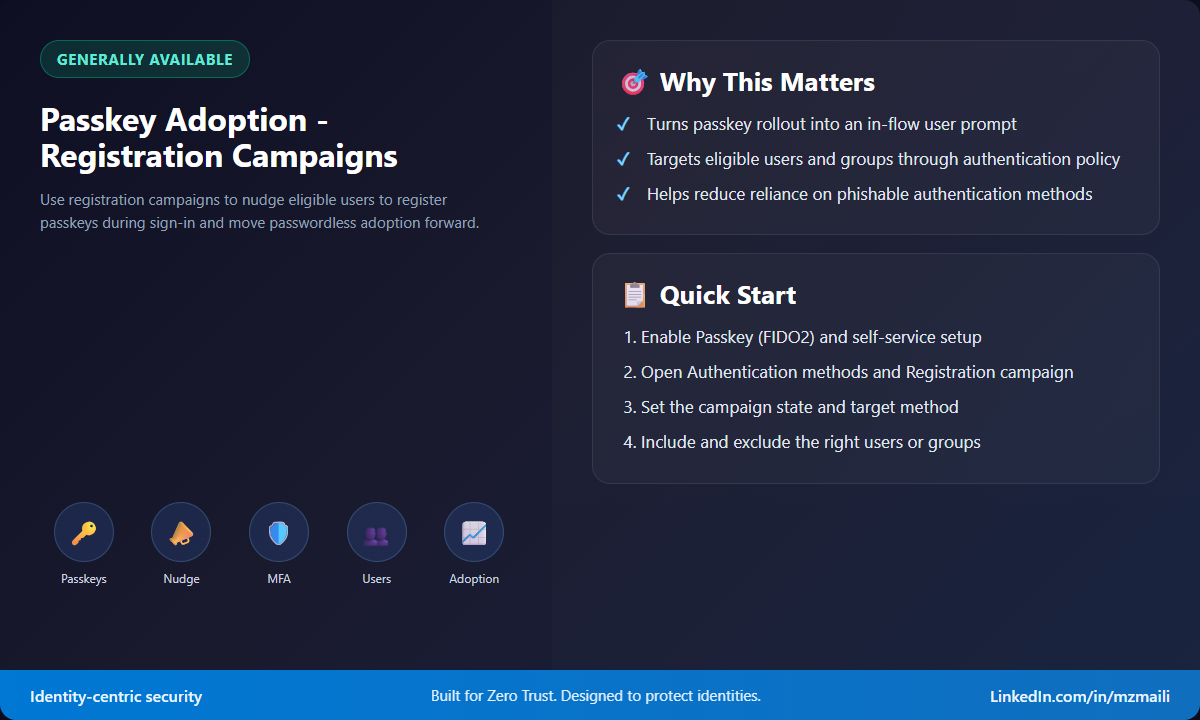
Registration campaigns give you a policy-driven adoption lever. You can include and exclude users or groups, define whether users can skip the prompt, and decide whether to use Microsoft managed behavior or explicit configuration. That makes the rollout measurable instead of voluntary and messy.
There is also a Zero Trust angle. If your target state is phishing-resistant MFA, you need a way to move users away from phishable and weaker methods without making the help desk the main adoption engine. A campaign does not replace communications and readiness, but it puts the prompt where the user can act on it immediately.
How to enable it
First, check prerequisites. Your organization must have Microsoft Entra multifactor authentication enabled. Microsoft Learn states that registration campaigns have no license requirements. For passkey campaigns, the Passkey (FIDO2) authentication method must be enabled in the Authentication methods policy, and Allow self-service setup must be enabled in the Passkey (FIDO2) method configuration.
To enable a passkey registration campaign in the Microsoft Entra admin center:
- Sign in as at least an Authentication Policy Administrator.
- Go to Entra ID > Authentication methods > Registration campaign.
- Select Edit.
- Set State to Enabled if you want to configure campaign settings yourself, or Microsoft managed if you want Microsoft-recommended defaults.
- If you choose Enabled, set Authentication method to Passkey.
- Configure snooze behavior. You can allow users to skip for a defined period, and you can choose whether limited snoozes are enabled.
- Configure included and excluded users or groups.
- Select Save.
When the state is Microsoft managed, Microsoft controls recommended settings, while you can still configure include and exclude targets. Microsoft Learn notes that Microsoft managed behavior is incrementally rolling out changes that target passkeys for MFA-capable users, with specific snooze defaults.
What users experience
A targeted user signs in, completes MFA, and gets prompted to set up a passkey if they do not already have an eligible local passkey for the current device and browser combination. That last point is easy to miss. The passkey nudge is evaluated per device and browser experience, not simply at the account level.
Users can select Skip for now if your policy allows it. If an error occurs during passkey registration, the user sees an error screen with a skip option, and those skips do not count toward the limited skip count.
Bottom line
Passkey adoption needs more than a policy toggle. Registration campaigns give admins a clean way to meet users in the sign-in flow and turn “we support passkeys” into actual registrations. Start with a focused pilot group, watch registration activity, tune exclusions, and then expand.
For more information, see Run a registration campaign to set up passkey or Microsoft Authenticator.



